
Codes
Claim listed Custom Keyboards codes, learn redemption steps, and track Kick a Keyboard group rewards before like-goal strings rotate.
View all CodesKick the keyboard, roll keycaps, and cash the plot. Codes, tiers, and trading for Custom Keyboards on Roblox.
Unofficial Custom Keyboards Roblox wiki covering active codes, keycap tiers, Kick Power, trading, mutations, and Boba event guides.
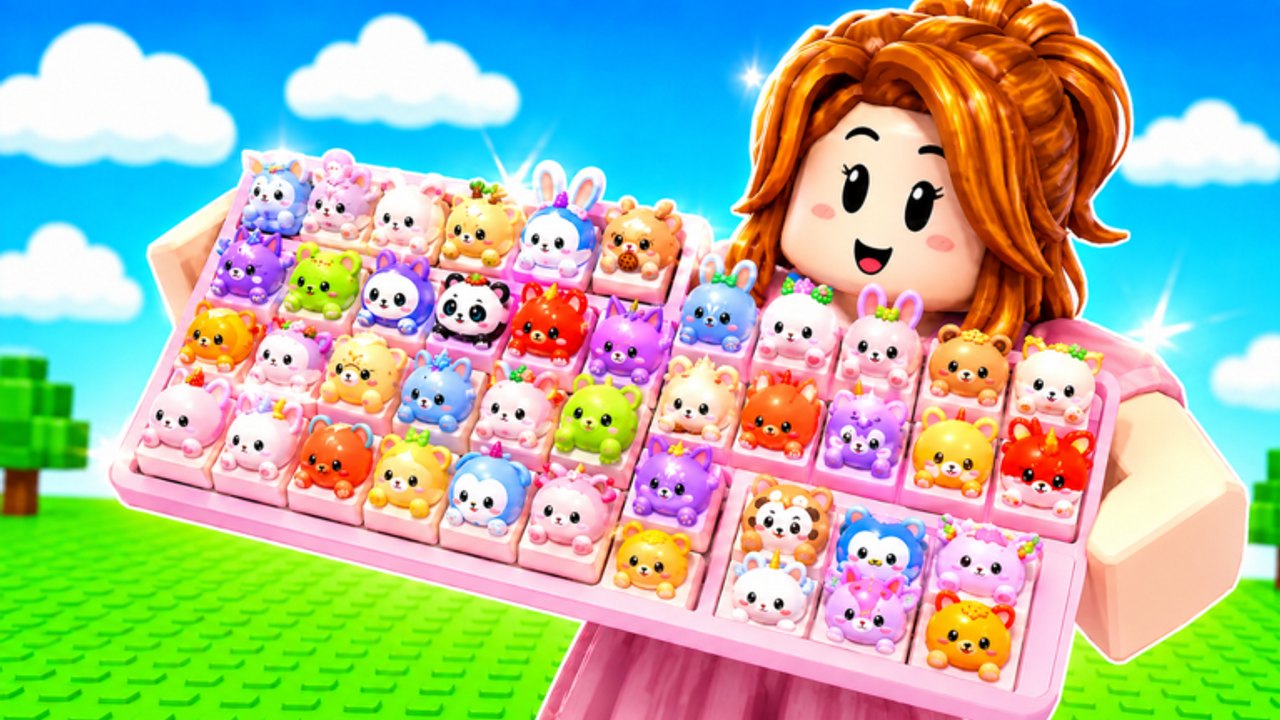
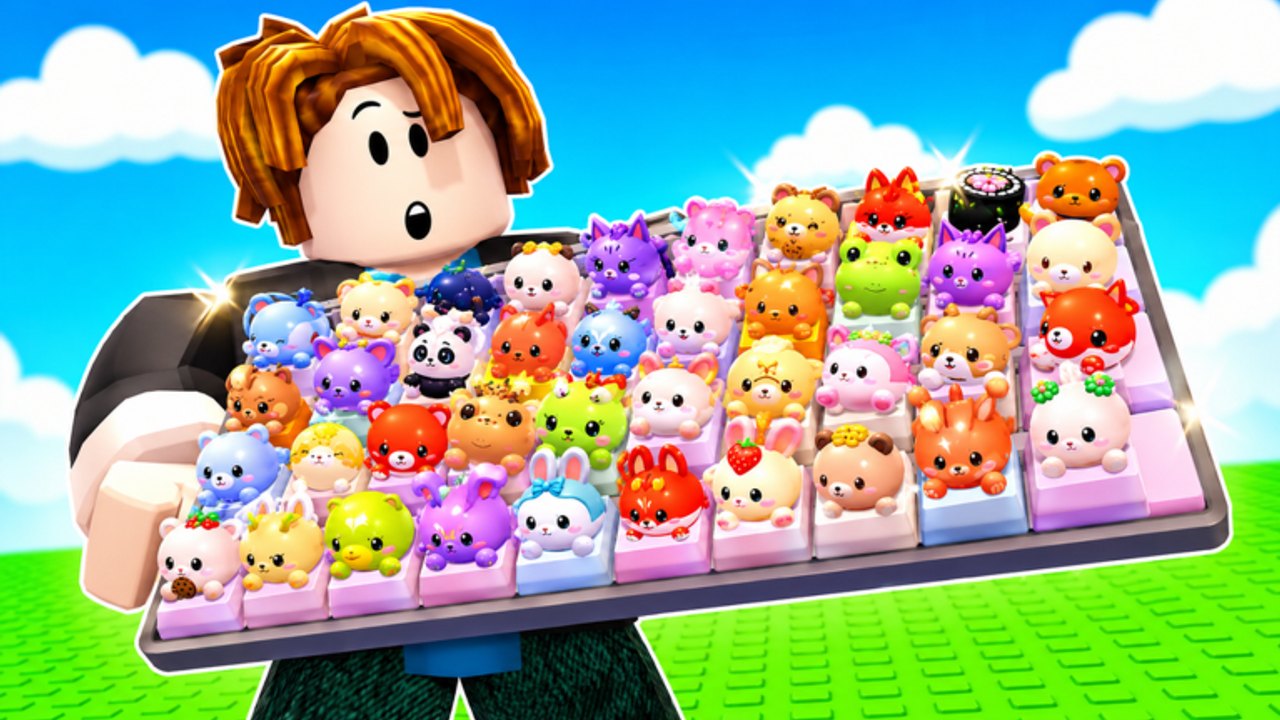
Custom Keyboards is a free Roblox simulation tycoon from Kick a Keyboard. You kick a keyboard to roll keycaps, place them on your plot, then step on them for cash. Kick Power, mutations, and offline earnings stack as you upgrade. Start with Getting Started, redeem codes for extra rolls, and check the tier list before you lock a layout. From there, learn trading, chase the Boba event, read scripts only if you accept account risk, and watch updates for new likes rewards.
Claim listed Custom Keyboards codes, learn redemption steps, and track Kick a Keyboard group rewards before like-goal strings rotate.
View all CodesCustom Keyboards how-to hub: kick, rare keycaps, trading, Boba event, and rebirth so your Roblox plot earns instead of stalling today.
View all GuidesRank Custom Keyboards keycaps, keyboards, and mutations by Kick Power, money, and trade demand without quoting any fake drop rates.
View all Tier ListCustom Keyboards player hub: 4-player trading etiquette, plot setups, and how Kick a Keyboard group members actually share servers.
View all PlayersCustom Keyboards update hub: launch notes, likes-code drops, trading tag, and the limited Boba window from the official Roblox listing.
View all UpdatesReview Custom Keyboards script features, executor basics, and real ban risk before you automate kick, collect, sell, or rebirth loops.
View all ScriptsCustom Keyboards tools hub: upgrade spend order and keycap value language so you stop guessing Kick Power versus slots versus trades.
View all ToolsOfficial Custom Keyboards Roblox links: play page, Kick a Keyboard group, codes hub, and wiki doors without lookalike mix-ups today.
View all LinksEnter Custom Keyboards, claim a plot, and kick the keyboard to roll your first keycaps. Getting Started covers kick and place; how to earn cash is the money layer.
Open the codes box and enter BOBA, TRADING, 650LIKES, 1000LIKES, 1500LIKES, and 2000LIKES for free rolls and cash. The live list is on codes.
Do not fill the board with junk. Check the keycap tier list so high-value caps sit where you step for money.
Claim group rewards from Kick a Keyboard, then chase themed drops in the Boba event while BOBA is live.
Swap extras with how to trade, leave paying caps on offline earnings, then rebirth when Kick Power stalls.
Codes, Kick Power, trading, and Boba answers in one place.
Open the in-game codes box and enter BOBA, 650LIKES, 1000LIKES, 1500LIKES, TRADING, or 2000LIKES. Steps are on how to redeem, the live list is on codes, and dead strings go on expired codes.
Trading lets you swap keycaps and keyboards instead of rolling every piece yourself. Read how to trade and the trading hub before you offer S-tier caps.
Third-party scripts such as auto farm and auto kick can break Roblox rules and risk a ban. If you still experiment, follow how to use scripts and never share your account.
The Boba event is a limited window tied to the BOBA code and themed rewards. Redeem codes first, then watch events when the shop or board changes.
Place keycaps and step on them, then buy Kick Power. The listing also pays while you are offline. Full loop: how to earn cash and offline earnings.
Kick Power is the upgrade that makes each keyboard kick pay more and roll better loot. Spend early cash on the upgrade priority path, then lock a layout from best setups. How to kick shows the loop.
Rare keycaps come from kicks, mutations, trading, and event boards. Use the keycap tier list and how to get rare keycaps so you do not place junk. Keycap value helps when you trade.
This wiki is available in English, Français, Deutsch, Español, and Português (BR). Use the two-letter language button in the header. Legal pages stay in English.
Kick, roll, and trade with a plan. Start with Getting Started, grab codes, place S-tier pieces from the keycap tier list, then learn trading.
Start with the beginner guide