
Custom Keyboards Group Rewards
Why the Kick a Keyboard community still matters after you redeem the six listed codes.
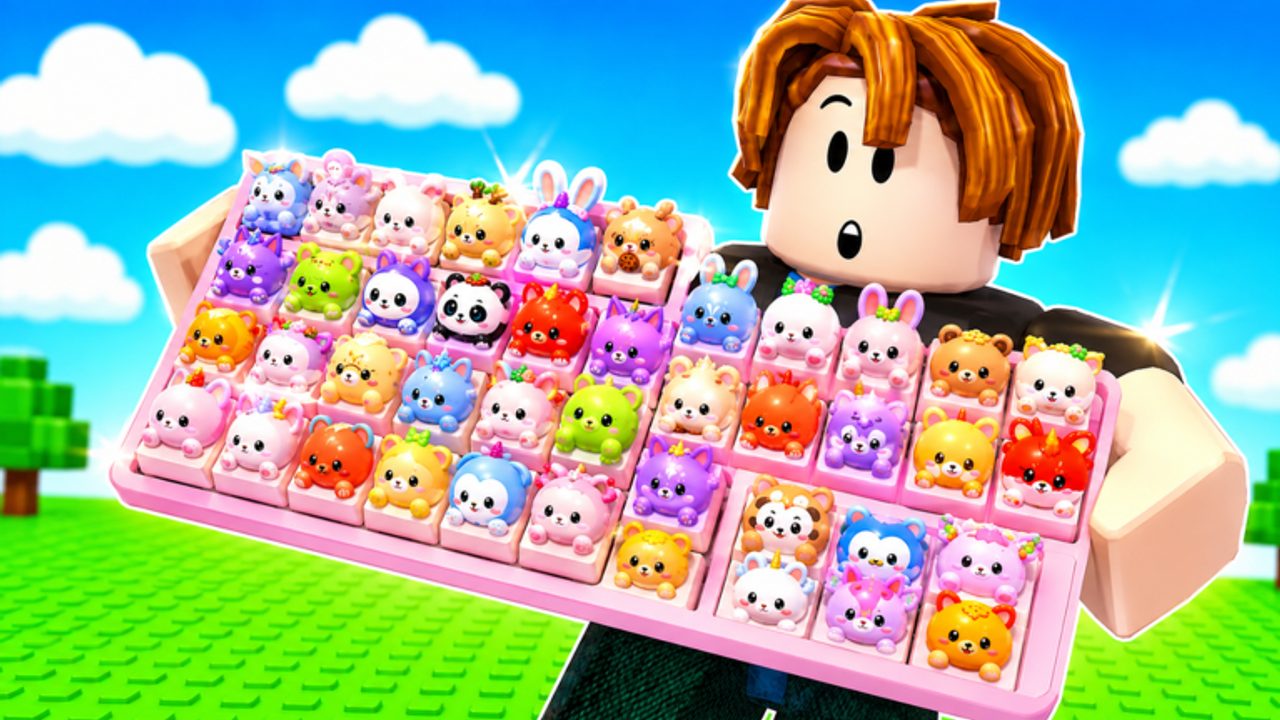
The Roblox description for Custom Keyboards tells you to join the group for free rewards and extra codes. That group is Kick a Keyboard. The owner is cemoshh, also seen as cemo. Joining is free. It is not a Robux pass, not a Discord paywall, and not a replacement for the six strings on the Codes Hub. Think of it as a second reward channel that sits beside typed codes.
This page covers how to join, what “free rewards and extra codes” can mean in a tycoon HUD, and how to avoid fake groups that copy the keyboard theme. It does not invent a numbered loot table. If the live game grants a join bonus, you will see it after you hop servers. If the group wall posts a new string, redeem it with the same care as how to redeem.
How to join Kick a Keyboard
- Open the Kick a Keyboard community while logged into the account you actually play on.
- Confirm the owner is cemoshh / cemo and that the community is tied to Custom Keyboards, not a clone tycoon.
- Join. You do not need to spend Robux.
- Return to Custom Keyboards on Roblox and join a 4-player server.
- Wait for the plot to load. Some group bonuses only appear after a fresh join, not while you sit in the lobby.
- Check money, inventory, a claim button, and the codes field. Then redeem the listed strings if you have not already.
If nothing appears, hop once. Group-gated rewards in Roblox tycoons often require the server to see your membership at spawn. Do not pay a third party to “boost” the join. Do not enter a different community named after keycaps, towers, or speed escapes.
What the extra channel can grant
The developers did not publish a public itemization for group rewards, just as they did not itemize BOBA or the like-goal codes. In practice, a group channel in this genre can do any of the following:
- A one-time join bonus (currency, a box, or a claim token).
- Extra codes posted on the group wall or shout that never appear on the Roblox description.
- Access to a group-only chest, board, or NPC inside the experience.
- Announcement of events such as Boba or a new likes code.
Until you see the grant, assume nothing. Then spend whatever arrives using upgrade priority: Kick Power and slots beat skin plots. If the bonus is a box, open it before you fill the board with common caps. If the bonus is an extra code, type it exactly, then file it mentally as group-only so you do not panic when it is missing from the hub table.
Group codes versus listed codes
| Source | Examples | Where to track |
|---|---|---|
| Roblox description | BOBA, 650LIKES, 1000LIKES, 1500LIKES, TRADING, 2000LIKES | Codes Hub |
| Kick a Keyboard wall or in-game group chest | Not published as a stable public list | This page, after a confirmed redeem |
| Clone games | Dumpling, speed, tower strings | Ignore |
A group code that dies does not automatically belong on expired codes unless it was also on the official listing. Keep the graveyard for listed strings so the hub stays honest.
Why membership still helps traders
Custom Keyboards runs 4-player servers with live trading. Group members often share the same update timing: when a likes code drops, when Boba boxes refresh, when a safe-zone rule changes. That does not make every group member a safe trader. Use the trading rules anyway: value by rarity and mutations, stay in the safe zone, screenshot the offer, refuse haste.
Membership also helps you ignore lookalikes. If someone links a “keyboard” game that is not universe 10494229774, the Kick a Keyboard page is your checksum. The live title includes [TRADING]. The genre is simulation / tycoon. The creator is the group, not a random user who copied the thumbnail.
After you join
Do not idle in the group menu. Go back in and run the loop: kick, place, step, upgrade. Claim playtime and daily rewards if those buttons are up. If Boba is live, collect bobas on the same session so group bonuses and event quests stack. If you plan to automate later, read the Scripts Hub first; a group join does not reduce ban risk.
Revisit the community after big like milestones. 650, 1000, 1500, and 2000 already produced codes. Later milestones may produce more, and the shout is faster than waiting for this wiki to notice. Pair that habit with the Updates Hub so you do not confuse a group cosmetic with a trading-rule change.
Joining Kick a Keyboard is the cheapest setup step in Custom Keyboards. It takes seconds, it is called out by the official page, and it is the only extra-code channel this wiki treats as real. Redeem the six listed strings, join the group, then spend the rest of the hour on Getting Started instead of hunting fake discords.
Frequently Asked Questions
Codes, Kick Power, trading, and Boba answers in one place.
Which group do I join for Custom Keyboards?
Join [Kick a Keyboard](https://www.roblox.com/communities/561797596). The owner is cemoshh / cemo. Other keyboard groups belong to other games.
Does joining replace the listed codes?
No. Redeem BOBA and the like-goal strings with how to redeem, then use the group as a second channel.
What exact items does the group grant?
The developers did not publish an itemized list. Check your HUD after a fresh server join and spend whatever arrives on Kick Power first.
Do I need Robux to join?
No. Kick a Keyboard is a free community join. Anyone asking you to pay for the group is not part of the official channel.
Where do extra group codes get listed?
On this page after a confirmed redeem. They stay off the Codes Hub table until they also appear on the Roblox description.