
Custom Keyboards Scripts Hub
What auto farm, auto kick, and executors actually do in this tycoon, and why Roblox can still ban the account.
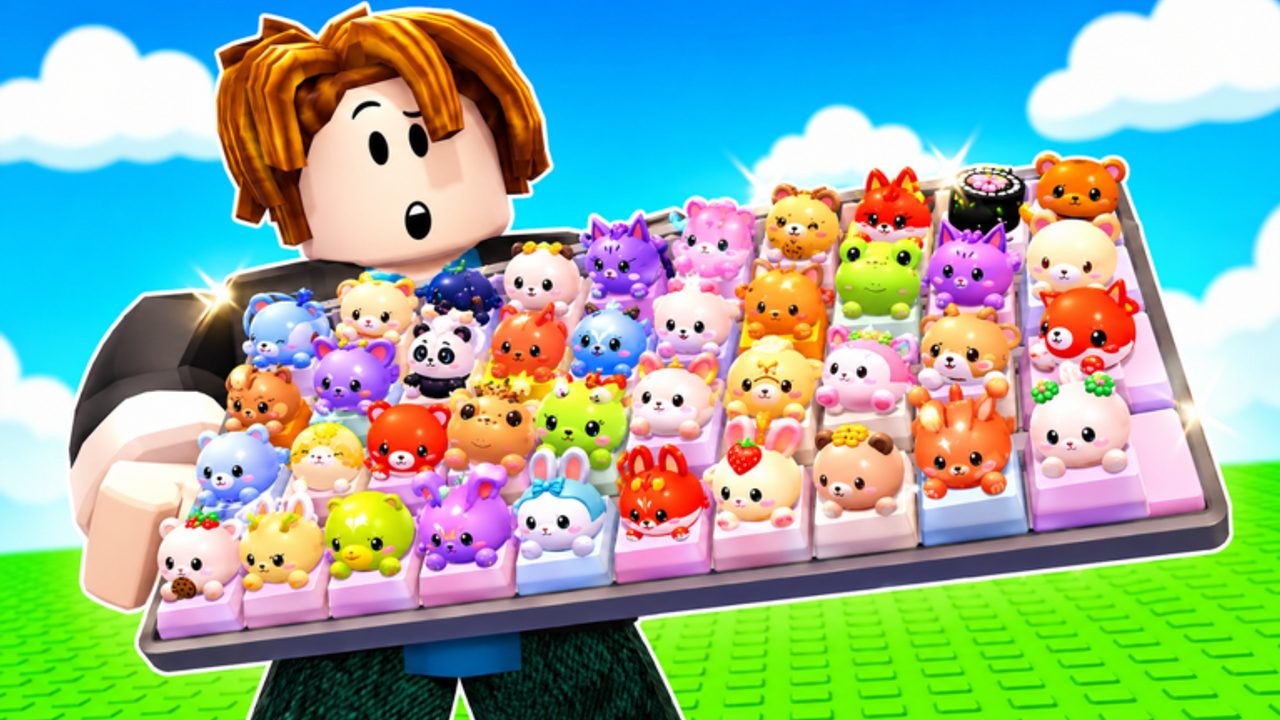
Custom Keyboards scripts are third-party Lua tools that drive the kick-place-step loop without your hands on the keyboard. They exist because the loop is repetitive: kick to roll keycaps, place them, step for money, sell junk rarity, rebirth when the board stalls, and claim Boba while the event is live. This hub explains the feature set, the executor requirement, and the ban risk. It does not host payloads, paste loadstrings, or name script marketplaces.
Using a script violates Roblox Terms of Use. Kick a Keyboard and Roblox can remove the account, wipe the plot, or ignore appeals. No wiki page can make that safe. If you still choose to automate, read this hub, then the sibling guides for auto farm, auto kick, and how to use an executor. If you would rather stay legit, the same loop is documented by hand in Getting Started and upgrade priority.
Feature map
Community scripts for this title typically expose toggles rather than one magic button. The names below match what players actually search:
| Toggle | What it tries to do | Breaks when |
|---|---|---|
| Auto kick | Repeats the kick so the board keeps rolling keycaps | Kick Power animation desyncs or a menu covers the prompt |
| Auto train | Buys or fires the train-keyboard action to keep speed up | You cannot afford the next train step |
| Auto collect | Picks up rolls, bobas, and stepped money | You are in a trade or safe-zone UI |
| Auto sell | Sells by rarity so junk caps do not clog slots | You forgot to lock mutated pieces |
| Auto rebirth | Presses rebirth when a threshold is met | You still needed those slots for a trade |
| Auto claim Boba | Grabs event drops and quest boxes | The event ended or the box is empty |
None of these toggles publish official drop rates. If a script GUI shows a percentage next to a rarity, treat it as the author’s guess. This wiki will not copy fake odds.
Why 4-player servers change the risk
Custom Keyboards is online multiplayer with 4 players per server. A script that auto-walks, auto-kicks, or auto-collects is visible to three other people. That matters for trading. An account that snaps to every drop, sells during an open trade, or rebirths while a deal is offered looks like a bot, and the other player can leave or report. Keep auto-sell off while you negotiate. Park in the safe zone before you open a trade window. If you only want AFK money, use a private moment after the other three players finish their deals.
Scripts also do not understand Kick Power economy. They will kick on a starter board forever if you forget to buy the next keyboard. Pair any farm with the same upgrade order you would use by hand: Kick Power, train speed, upgrade station, keycap slots, then rebirth. See upgrade priority and best setups.
Ban risk, said plainly
- Injecting an executor is already a ToS breach.
- Auto-rebirth and auto-collect are easy for anti-cheat heuristics to flag because they are perfectly timed.
- Key systems, “free executor” ads, and account-sharing to “test a script” are common steal vectors. Never type your password into a script GUI.
- A ban does not refund Robux spent on shop packs or spin wheels.
- Offline earnings still run without a script. If you only need idle money, leave the game and let the board work.
If the server stutters, your character walks into a wall, or a remote error spam appears, turn every toggle off. A broken farm that teleports through plots is louder than a slow legit kick.
How this hub is organized
- Auto farm is the full loop: kick, collect, sell, rebirth, Boba claim.
- Auto kick isolates the roll action and how it interacts with Kick Power and train speed.
- How to use scripts covers executor install, attach, execute, and emergency stop, without naming stores.
Use codes and group rewards before you AFK. A script cannot redeem a string you never typed, and it cannot join Kick a Keyboard for you in a trustworthy way. Claim those by hand.
Scripts are optional, fragile, and expensive when they fail. The tycoon already pays while you are offline. If you automate anyway, keep trades manual, keep mutated keycaps locked, and treat every GUI percentage as fiction until the developers publish real numbers — which they have not.
Frequently Asked Questions
Codes, Kick Power, trading, and Boba answers in one place.
Are Custom Keyboards scripts allowed?
No. They break Roblox Terms of Use. Kick a Keyboard and Roblox can ban the account. This hub documents features and risk, not permission.
What do the scripts automate?
Common toggles are auto train, auto kick, auto collect, auto sell, auto rebirth, and auto claim Boba. Details are on auto farm.
Do I need an executor?
Yes. Scripts run inside a third-party executor. How to use scripts explains attach and execute without hosting a payload.
Will a script publish real drop rates?
No trustworthy public table exists. Ignore GUI percentages. Farm with Kick Power and rare keycap habits instead.
Can I trade while a farm is running?
Turn auto-sell and auto-rebirth off. Use the safe zone and the trading checklist so the bot does not dump a deal mid-offer.