
Custom Keyboards Events
Limited windows on the same kick-and-place plot, starting with Boba.
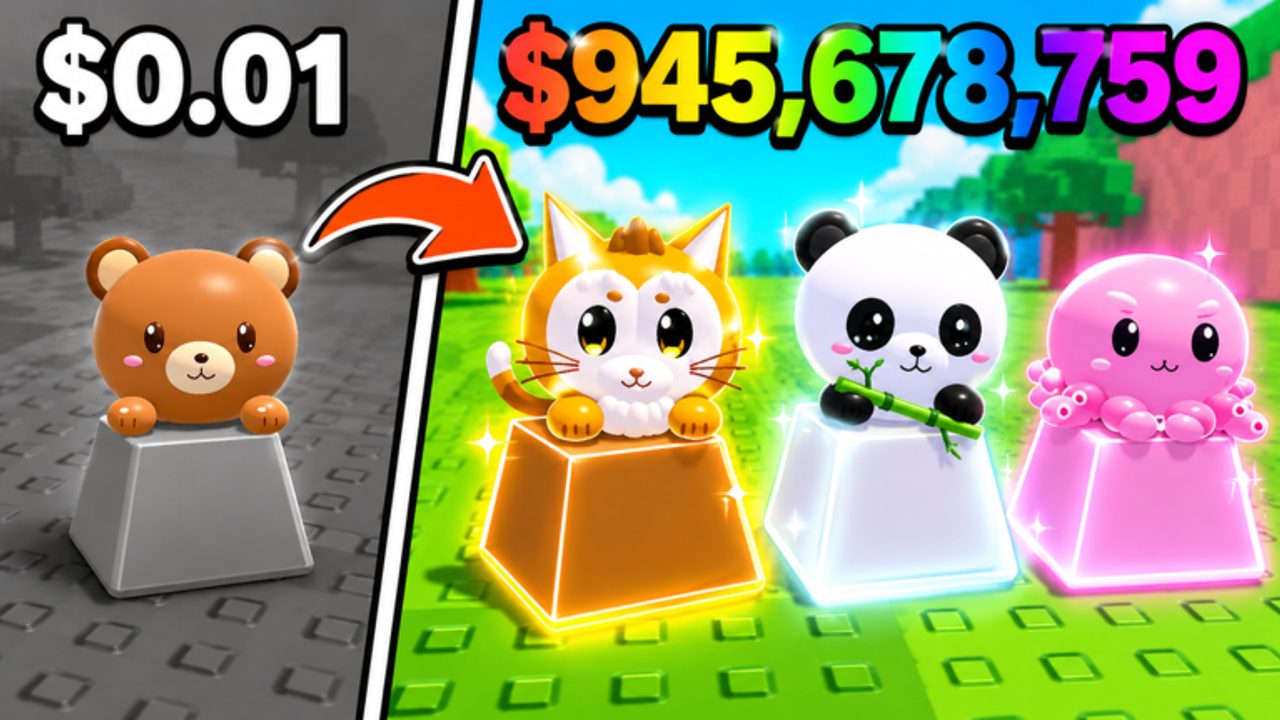
Events in Custom Keyboards are limited objectives on top of the tycoon loop. They do not replace Kick Power. They do not turn the game into an obby. Right now the public listing describes a limited-time Boba collect window and lists BOBA among the codes. Like-goal strings are not timed festivals, but they behave like small drops when they appear, so they sit on this page as a watchlist.
Play Boba with the full guide: Boba event. Track older notes on changelog.
Live: Boba
Status: described as limited-time on the Roblox page.
What to do: redeem BOBA, stop sell-all, collect bobas, finish quests, open the event box, then filter drops with keycap tiers. Join Kick a Keyboard if group extras stack. See group rewards.
What not to do: trade away quest pieces because they look cute. Rebirth in the last minutes without reading the prompt. Install a script just for auto-claim. Mix this event with Candy and Chocolate keyboard escape.
When it ends: the description drops the Boba sentence and BOBA fails for new accounts. Move the code to expired only after that test.
Watchlist: likes-milestone codes
650LIKES, 1000LIKES, 1500LIKES, and 2000LIKES are listed. They are not a festival with a map, but they can expire. Redeem them the day you notice them via how to redeem. If a later likes string appears, test it before you spread it. TRADING as a code is a feature marker more than a seasonal event. Still redeem it.
How to notice the next event
- The Roblox description grows a new paragraph.
- The title tag changes besides TRADING.
- Kick a Keyboard posts a group shout.
- The HUD sprouts a collectable that is not a keycap.
When that happens, this page gets a new section. Until then, do not invent a holiday keyboard festival this wiki cannot verify.
Event rules that stay true
Events sit on 4-player servers. Do not camp every spawn if someone else is clearly collecting the same object. Do not go first in a limited-event-only trade. Do not spend Robux because a timer is loud. Kick Power still prints money after the timer dies.
If you AFK through an event, you may miss collects. Offline earnings cash the board; they do not always complete quests. Come back, walk, and claim.
Daily and playtime claims are repeating, not limited. Grab them when the HUD lights up, then return to kicking. They are easy to confuse with Boba because both use a claim button. If the object is a boba, you are in the limited window. If it is a generic chest after ten minutes, you are on playtime. Neither replaces Kick Power.
Shop packs and the spin wheel can wear event art. That still does not make them limited unless the banner says so. Spend leftover cash with upgrade priority first.
When the next window lands, start at codes, then this page, then the matching guide. That order stops you from selling the quest item in the first minute. If you are new, Getting Started still comes before any event hunt. A timer is extra homework, not a new game. Fill Kick Power and slots first, then collect bobas. Event windows reward people who already have a paying board. Treat every new HUD icon as optional until you know whether it is Boba, playtime, or a shop. If you cannot tell in five seconds, kick once, then look again. The tycoon still pays while you figure out the timer. That habit keeps event weeks from wrecking Kick Power on your live plot this season.
Frequently Asked Questions
Codes, Kick Power, trading, and Boba answers in one place.
What Custom Keyboards event is live?
The listing describes Boba as limited-time. Follow Boba event while that line remains.
Are likes codes events?
They are milestone drops, not map festivals. Redeem them on codes.
Do events pause Kick Power?
No. You still kick, place, and step. See how to kick.
Should I rebirth during an event?
Only if the prompt keeps event progress. Otherwise wait. Rebirth.
How do I know an event ended?
Public text disappears and the matching code fails for new accounts. Then update expired codes.