
Custom Keyboards Upgrade Priority
A shop order that grows step money instead of decorating a broke plot.
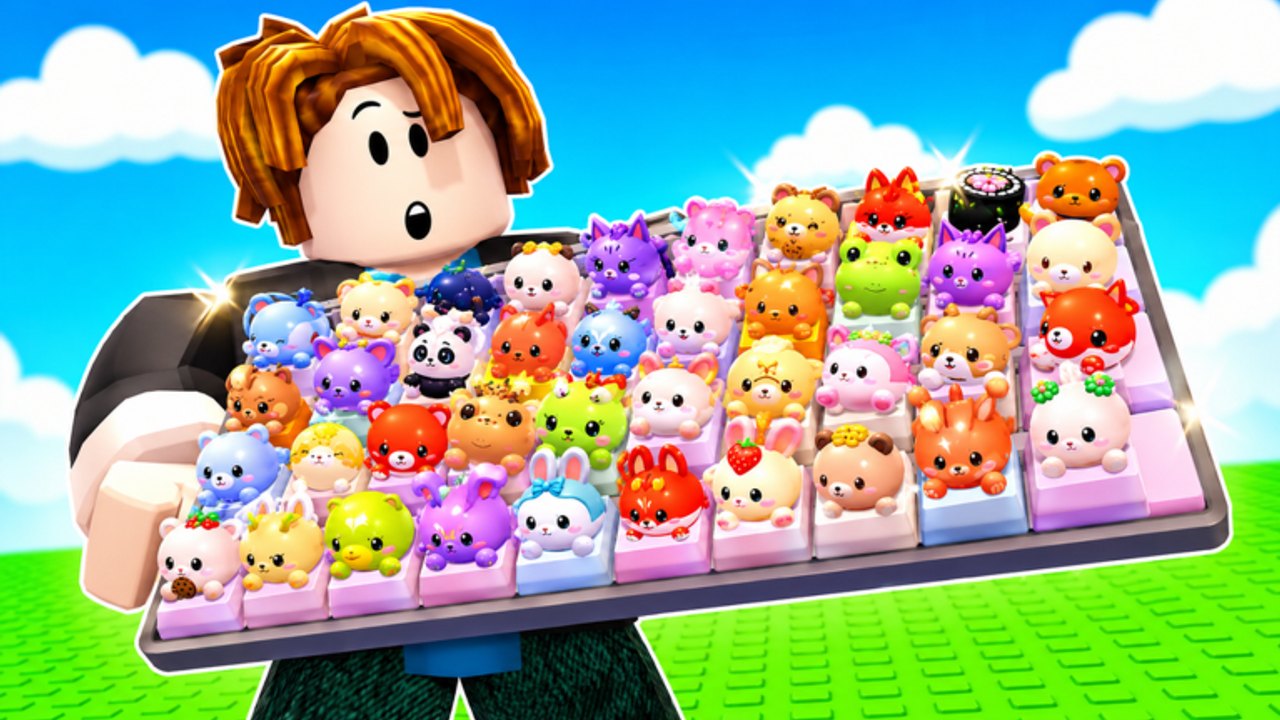
Open this page whenever the shop is on screen. Custom Keyboards offers more sinks than a new player can evaluate: keyboards, Kick Power, train speed, upgrade station, keycap slots, skin plots, shop packs, spin wheels. Only some of those grow the loop. This is the order.
Default spend order
- Kick Power / next keyboard. The roll is the game. Weak kicks waste every later upgrade. How to kick and keyboard tiers.
- Keycap slots. You cannot place rares you cannot hold. Density beats one legendary in the backpack. Best setups.
- Train speed. Buy when you already place and sell as fast as you roll. If caps pile up unplaced, you do not need more speed yet.
- Upgrade station. Buy when the prompt is a clear income or kick multiplier. Skip when it is flavor text you cannot parse.
- Rebirth. Not a shop item, but it sits here in priority: only after 1–4 stall. Rebirth.
- Skin plots and cosmetics. Last. They do not step.
- Robux packs and spin wheels. Optional. Never required for the loop.
Redeem codes and group rewards before step 1 so free cash hits Kick Power, not a skin.
Early game exception
If you have empty slots and almost no caps, fill slots with anything that pays before you obsess over the perfect keyboard. Empty space earns zero. After the board is full of something, return to Kick Power. Getting Started.
Mid game exception
If you are clogged with C/D rarity, sell-by-rarity is higher priority than a new skin plot. Slots are a resource. Clearing them is an upgrade. Keycap tiers.
Event exception
During Boba, a cheap slot for quest drops can jump above train speed. Do not rebuild the whole shop order around themed cosmetics that do not pay.
Trade exception
If a 4-player deal offers a keeper cheaper than grinding, and you can keep Kick Power, take the deal. That is a shop substitute. Keycap value. Do not sell your only kicking keyboard to afford a pretty cap.
What to do with leftover cash
If 1–4 are bought for now and cash is burning, idle. Offline earnings exist. You do not have to spend. Spending on cosmetics to “feel progress” is how plots stall.
If leftover cash is huge and 1–4 feel pointless, you are in rebirth territory. Read the prompt. Do not auto rebirth.
Anti-priority (do not buy these first)
- Skin plots
- Extra sounds if they do not change Kick Power
- Duplicate keyboards you will not equip
- Script key systems (not a shop, still a money sink of a different kind)
Print this order in your head: kick, hold, pace, station, reset, decorate. Everything else is noise.
When updates add a new sink, insert it only if it raises Kick Power, slots, or step money. If it is a hat for the plot, it goes to slot 6.
Write the order on a note if you have to: kick, hold, pace, station, reset, decorate. Recite it before every shop click. If a pack is on sale during Boba, it still sits at the bottom unless you already wanted it. If a friend says their skin plot doubled income, ask for the HUD number. Cosmetics do not step. Kick Power does. Codes and group rewards are free cash that should hit item 1, not item 6. That is the whole shop doctrine. If you still have leftover cash after Kick Power, slots, train, and station, walk away from the shop and step the board. Offline earnings will grow that pile. Spending it on a second skin plot is how people feel busy without getting richer.
Frequently Asked Questions
Codes, Kick Power, trading, and Boba answers in one place.
What is the first Custom Keyboards upgrade?
Kick Power or the next keyboard that raises it. Then slots.
When do I buy train speed?
When you can already place and sell as fast as you roll. Otherwise it piles junk.
Are skin plots worth it?
After the loop is funded. They do not step for money.
Should I spend Robux?
Only if you want to. Codes and Kick Power already run the f2p loop.
Where does rebirth sit?
After Kick Power, slots, train, and station stall. See rebirth.