
Custom Keyboards Daily Rewards
Gifts, playtime, Boba claims, and the wheel — claimed by hand before you spend Robux.
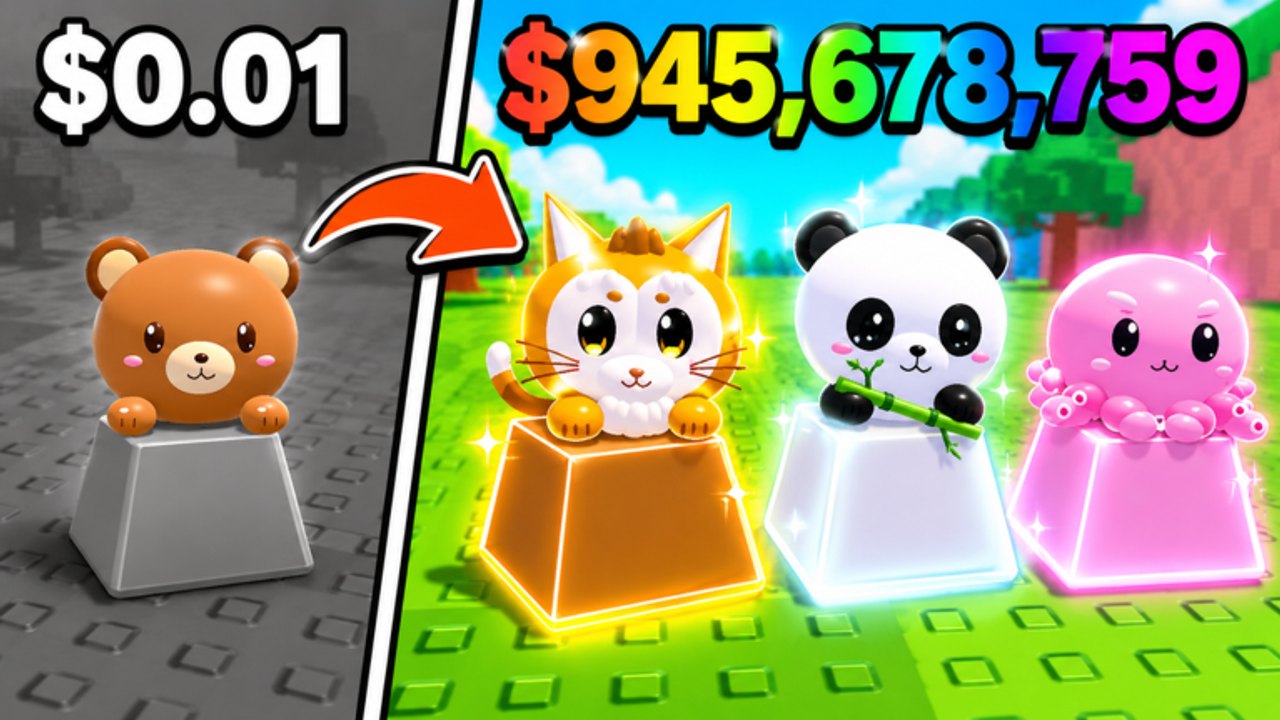
Custom Keyboards stacks several claim buttons on top of the kick loop. They are not the six listed codes. They are not Kick Power. They are free or paid injections you should tap on purpose. This page covers daily rewards, playtime rewards, Boba event boxes and quests, shop packs, and Spin the Wheel. It will not invent a 30-day calendar the developers have not posted.
Claim these on the same account you play. Then spend whatever arrives using upgrade priority. A gift that buys the next keyboard is a win. A gift you dump into a skin plot is a waste.
Daily rewards
Look for a gift icon on the HUD mapped in controls. Claim it after you spawn, not after you rebirth. A daily that lands on an empty board is easier to place. If the button is grey, you already claimed today or the server has not seen your account yet. Hop once. Do not buy a pack to “unstick” a daily; that is a different shop.
Daily rewards are a login habit, not a drop-rate machine. Pair them with the listed codes so the first minute of a session injects extra rolls before you kick.
Playtime rewards
Playtime tracks minutes in the experience. The clock or chest icon fills while you kick, step, or even stand still. Offline earnings are separate: the official listing says keycaps earn cash while you are away. Playtime usually wants you actually in the server. If you must AFK, stand on your own board, not in the safe zone, and not on a neighbor’s kick.
Claim playtime as soon as a tier lights up. Leaving a full chest unclaimed while you rebirth is how people lose a box. Read rebirth before you reset with a gift waiting.
Boba boxes and quests
While the Roblox page still says a limited-time Boba event is out, two extra claims exist:
- Boba event box. A collect chest for bobas you picked up on the plot.
- Boba event quests. Objectives that want you to keep themed drops instead of selling them.
Play that window with Boba event. Redeem BOBA from the codes list on the same session. Auto-claim scripts will path to an empty box after the event line disappears; turn them off. The listing was still showing Boba on 5 September 2026. When that sentence vanishes, test the code and move it to expired if it fails.
Shop packs
Shop packs are Robux (or rare ticket) bundles. Community auto-buy toggles exist. Leave them manual. A pack can be a keycap box, a skin, or a currency dump — the live shop is the only honest list. This wiki will not invent pack names. Open the shop from the HUD, read the price, and close it before you kick so the prompt still works.
If you already bought a pack, open it before you fill every slot with commons. Then filter with keycap tiers and mutations. Equip-best is a sort, not a brain.
Spin the Wheel
The wheel is a separate sink. The Fast Spins gamepass costs 5 Robux and only speeds the spin animation. It does not publish better odds. Treat Fast Spins as a convenience tax. If you never touch the wheel, you lose nothing in the f2p loop.
Do not chain wheel clicks while a trade is open. Do not let a farm auto-spin. Tickets and Robux vanish faster than Kick Power grows.
Order to claim in a session
- Spawn. Close overlapping popups.
- Redeem the six listed codes.
- Claim daily, then playtime.
- Claim Boba box and quests if the event line is live.
- Join Kick a Keyboard on a fresh account, then hop once.
- Kick, place, step. Buy Kick Power. See Getting Started.
- Optional: inspect shop packs and the wheel. Buy nothing until the board pays.
That order keeps free injections in front of paid ones. VIP, x2 Cash, and luck passes are documented on gamepasses. They multiply a loop you should already understand.
What not to automate
Auto farm hubs expose auto claim daily, auto claim playtime, auto claim Boba, auto buy packs, auto open packs, and auto spin. Those toggles spend currency you cannot undo and can hammer a dead event box. They also break Roblox Terms of Use. If you still experiment, keep pack and wheel clicks human. A banned account does not keep its dailies.
After you claim
Spend cash on Kick Power and slots, not on spinning again. Track limited windows on events. If a new like-goal code appears, it belongs on codes, not on this gift page. Daily, playtime, Boba, packs, and the wheel are HUD claims. Codes are typed strings. Keep the two lists apart so you do not type GIFT1 into the codes box and wonder why it failed.
Frequently Asked Questions
Codes, Kick Power, trading, and Boba answers in one place.
Are daily rewards the same as codes?
No. Codes are typed strings on codes. Daily and playtime are HUD gift claims you tap each session.
Does Fast Spins raise wheel odds?
The pass is 5 Robux and speeds the spin. It does not publish better luck. See gamepasses.
Should I claim Boba before selling caps?
Yes while the event is listed. Keep themed drops until Boba event quests are done.
Can I auto-claim these rewards?
Scripts exist and can ban the account. Leave shop packs and the wheel manual. Read scripts first.
What if the daily button is grey?
You already claimed, or the server has not loaded membership. Hop once, then kick. Do not buy a pack to unstick it.