
How to Redeem Custom Keyboards Codes
A practical HUD walkthrough for BOBA, like-goal strings, and TRADING without guessing rewards.
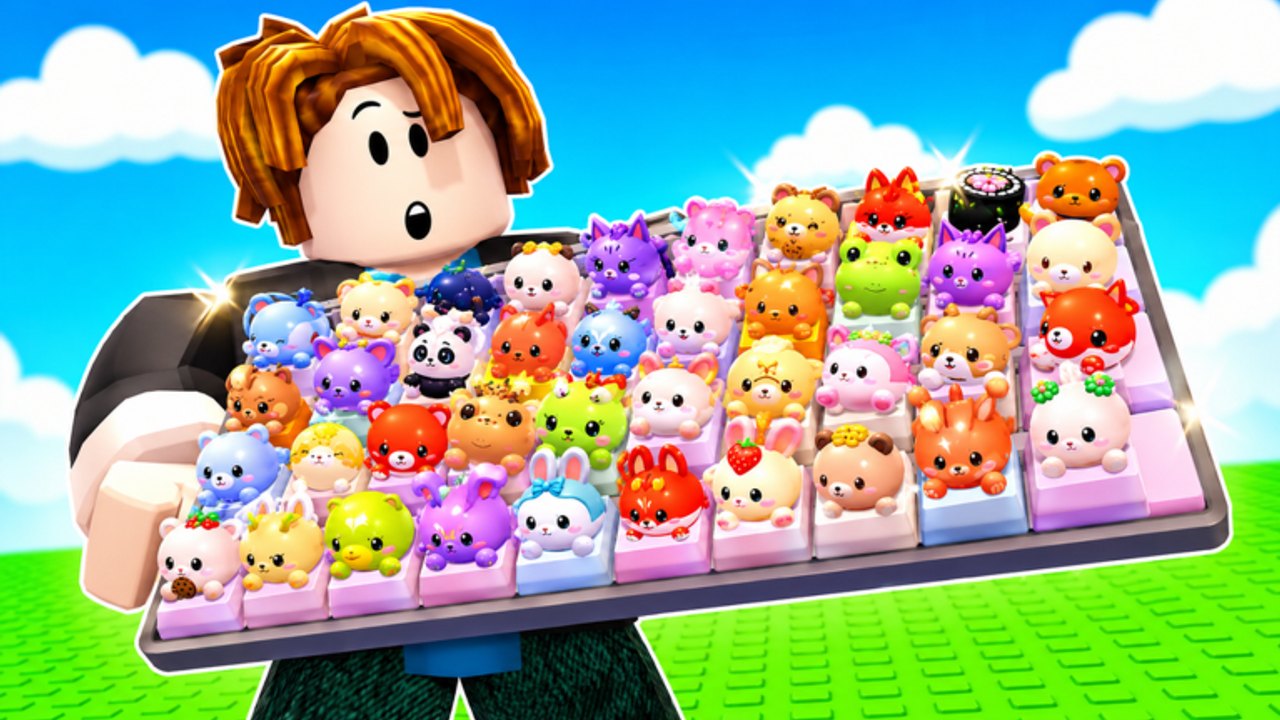
Redeeming Custom Keyboards codes is a HUD task, not a website form. You join a live 4-player server, open the codes control, paste a listed string, and confirm. The Roblox page is the source for the current set: BOBA, 650LIKES, 1000LIKES, 1500LIKES, TRADING, and 2000LIKES. Rewards are not itemized there, so success means the game accepts the string, not that a public chart told you the payout.
This page is the redemption procedure. For the full list see the Codes Hub. For strings that stop working see expired codes. For the extra channel that is not a typed code, join the group using group rewards. New accounts should redeem before they spend their first Kick Power upgrade so any currency or box lands on a board you still control.
Step-by-step redemption
- Open Custom Keyboards on Roblox and wait until your plot loads. If the title is not Custom Keyboards! [TRADING], you launched the wrong experience.
- Look at the HUD for a Codes, Twitter/X, gift, or shop button. Tycoon HUDs hide the box behind one of those icons. This wiki will not invent a pixel-perfect corner if the developers move the button after a patch.
- Click the control to open a text field.
- Type or paste one code exactly as listed. Use the same capitalization. Do not add spaces, quotes, or hashtags.
- Submit. Wait for an accept or reject message.
- Repeat for every remaining listed string. Do not paste all six into one field.
- Check money, inventory, event currency, and any box the HUD highlights. If nothing obvious changed, the reward may still be a hidden multiplier or a claim you must open separately.
If the field never appears, you may be in a loading stall, a mobile UI collapse, or a safe-zone menu that covers the button. Reset the character once, rotate the camera, and try again before you assume the code is dead.
What success and failure look like
An accepted code usually flashes a short confirmation. A rejected code may say invalid, expired, already used, or nothing. Treat silence as a retry candidate, not as proof that the string is gone. Retry once. If it fails twice, check three things: you are in Custom Keyboards, the string matches the listing, and you did not already redeem it on this account.
Already-used is not expired. Expired means the developers retired the string for everyone. Already-used means your account consumed it. Keep already-used codes off the expired page unless new accounts also fail.
Do not redeem on a lookalike. Build a Keyboard, Custom Keyboard Tower, Paint My Keyboard, and +1 Speed Keyboard Escape all have code boxes that will happily reject Custom Keyboards strings. The creator group for this game is Kick a Keyboard, owned by cemoshh (also known as cemo). If the experience owner does not match, leave.
Order of operations after a redeem
Codes are useless if you immediately fill every keycap slot with junk. After a successful redeem:
- If you received currency, buy Kick Power and slots before cosmetic skin plots. See upgrade priority.
- If you received a box, open it before you kick a long session, so you know which rarity you already hold.
- If you received event items during Boba, read Boba event before you sell them.
- If nothing visible arrived, still run one kick-and-place cycle. Some rewards only show when you next roll or step.
Then return to Getting Started if this is your first session, or to rare keycaps if you already have a board.
Common mistakes
- Mixing like-goal codes with spaces (
1500 LIKESfails;1500LIKESis the listed form). - Redeeming TRADING on a clone game because the title also mentions trading.
- Assuming BOBA still grants event currency after the Boba window closes. If it fails, move it to expired rather than inventing a new reward.
- Using a script auto-claim to fire codes while you are mid-trade. Manual redeem is safer; see how to use scripts for the risk.
- Sharing your Roblox password with a “code bot.” No listed code requires that.
Keeping the list honest
This wiki copies the Roblox description. It does not scrape comment sections for unverified strings. If you see a new code on the group wall, add it only after you confirm it redeems, then file it under group rewards if it never appeared on the main page. Like-goal codes can remain valid long after the like count is exceeded, or they can die the same week. Test, do not guess.
When the developers append a new likes code (for example after a later milestone), redeem it on every alt you actually play. Codes are per account. They do not copy through trades. They do not survive a banned account. They do not replace rebirth planning.
Finish by bookmarking the Codes Hub and rechecking the Roblox page whenever updates land. Redemption takes under a minute. Spending the reward badly can stall a whole session.
Frequently Asked Questions
Codes, Kick Power, trading, and Boba answers in one place.
Where is the Custom Keyboards code box?
On the in-game HUD, usually behind a Codes, gift, or social icon. The exact corner can move after a patch, so scan the whole HUD after load.
Are codes case-sensitive?
Treat them as case-sensitive. Paste BOBA, 650LIKES, 1000LIKES, 1500LIKES, TRADING, and 2000LIKES exactly as listed on the Codes Hub.
What if the code says already used?
Your account already consumed it. That is not the same as expired. Only retire a string on expired codes when new accounts also fail.
Do I redeem before joining the group?
Yes. Listed codes are on the game page. Then join Kick a Keyboard using group rewards for the extra channel.
Can I redeem on mobile?
Yes, if the HUD control is visible. If a mobile stack hides the button, rotate to landscape or reset the character once, then try again.