
Custom Keyboards Codes Hub
Every string listed on the Roblox page, plus how to redeem and what the Kick a Keyboard group actually adds.
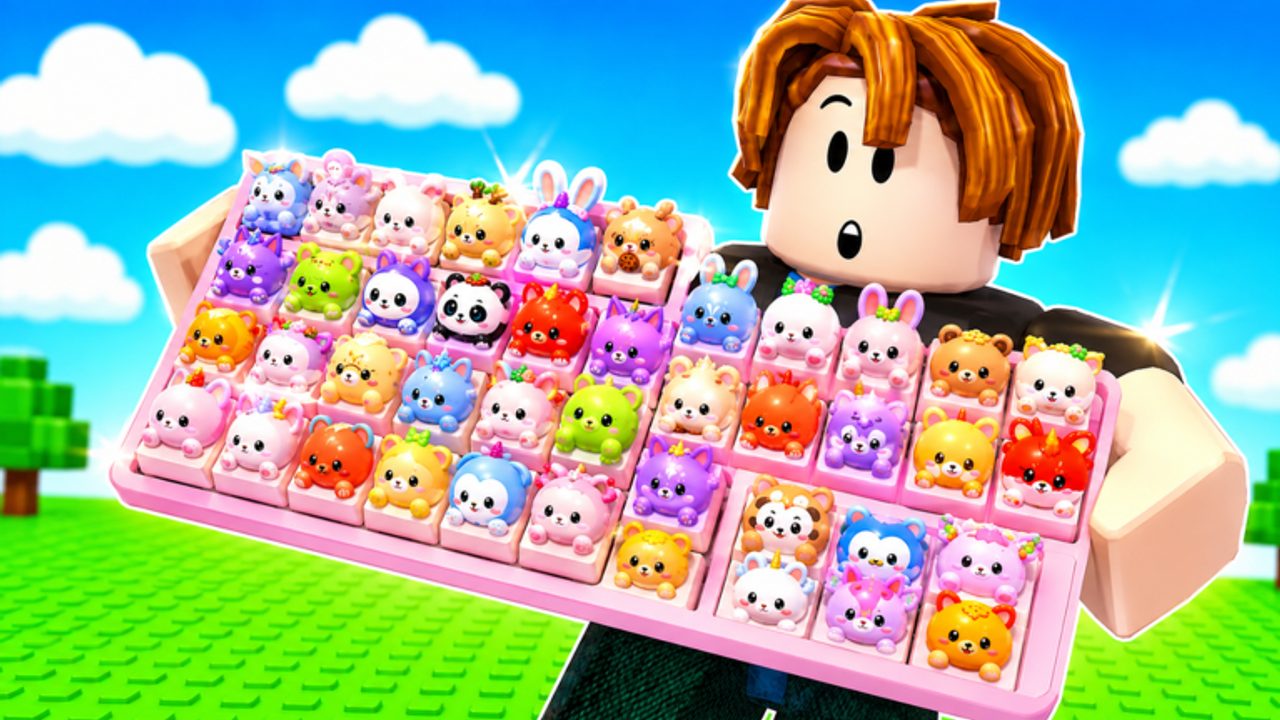
Custom Keyboards lists promo codes on its Roblox page. This hub is the index for those strings, the redemption walkthrough, the expired tracker, and the group-reward path. The experience launched on 13 July 2026 as a live simulation tycoon with trading already in the title. It is not an unreleased project, and it is not a single-player sandbox. You join a 4-player server, kick your keyboard to roll keycaps, place them, step for money, and spend that money on Kick Power.
The official listing currently publishes these codes: BOBA, 650LIKES, 1000LIKES, 1500LIKES, TRADING, and 2000LIKES. Rewards are not publicly itemized. This wiki will not invent cash amounts, crate names, or timed boosts just to fill a table. If a code grants something visible in your HUD after redeem, note it yourself and treat community screenshots as unverified until the developers repeat the reward in-game.
Do not paste codes from lookalike titles. Build a Keyboard is not this game, and neither are Custom Keyboard Tower, Paint My Keyboard, or +1 Speed Keyboard Escape. Those experiences publish their own strings. Entering a dumpling or speed code here will fail, and entering a Custom Keyboards code there will fail. Always match the place name Custom Keyboards! [TRADING] and the Kick a Keyboard group before you type anything.
Listed codes
| Code | Status | Public reward |
|---|---|---|
| BOBA | Listed on the Roblox page | Not itemized |
| 650LIKES | Listed on the Roblox page | Not itemized |
| 1000LIKES | Listed on the Roblox page | Not itemized |
| 1500LIKES | Listed on the Roblox page | Not itemized |
| TRADING | Listed on the Roblox page | Not itemized |
| 2000LIKES | Listed on the Roblox page | Not itemized |
Like-goal codes usually appear after the experience crosses a like milestone. TRADING matches the live trading feature. BOBA matches the limited-time Boba event. None of those names prove a reward type. Redeem them in the order you join, then move on to Kick Power instead of waiting for a second confirmation popup that may never exist.
Where to go next
Use the sibling pages in this category instead of hunting random comment sections:
- How to redeem codes covers the HUD flow, typos, and failed-code checks.
- Expired codes is the graveyard. No string is confirmed dead yet; when one fails for multiple players, it moves there.
- Group rewards explains why joining Kick a Keyboard still matters after you redeem the six listed strings.
New players should redeem first, then follow Getting Started so the extra rolls actually land on a board that can hold them. Veterans who already have Kick Power should still redeem after every like-goal update, then dump junk rarity through sell-by-rarity and keep mutated pieces for trading.
How codes fit the loop
A code is a one-time (or rarely repeatable) injection into the same loop you already run by hand: kick, roll, place, step, upgrade. It does not replace how to kick, rare keycap farming, or rebirth. If a code grants a box, open it before you fill every slot with common caps. If it grants currency, spend on Kick Power and keycap slots before cosmetic skin plots. If it grants event currency during Boba, read Boba event before you waste the timer.
Codes also do not make scripts safer. Auto-farm tools that auto-claim rewards can try to redeem or collect while you are in a safe zone or mid-trade. Keep claiming manual until you understand the HUD. See the Scripts Hub if you still want the risk spelled out.
Staying current
The Roblox description is the primary public source. Recheck it when likes jump, when the title tag changes, or when an update blog appears in Updates. This wiki will not invent a Discord-only code. If the group wall or an in-game mail grants an extra string, it belongs on group rewards with a note that it was not on the main listing.
Type codes in the same case as the listing. Do not add spaces. Do not wrap them in punctuation. If a code fails, wait a few seconds, check that you are in Custom Keyboards and not a clone, then try once more. Repeated failures belong on the expired page, not in a private argument about drop rates that this game has not published.
Frequently Asked Questions
Codes, Kick Power, trading, and Boba answers in one place.
What Custom Keyboards codes are listed right now?
The Roblox page lists BOBA, 650LIKES, 1000LIKES, 1500LIKES, TRADING, and 2000LIKES. Follow how to redeem and treat rewards as unlisted.
Do these codes publish exact rewards?
No. The official description does not itemize cash, keycaps, or boxes. Do not trust a numeric reward chart that this wiki refuses to invent.
Is joining the group required to use codes?
The listed strings are on the game page. The Kick a Keyboard group is a separate free-reward and extra-code channel.
Why did a code from another keyboard game fail?
You are not in Build a Keyboard, Paint My Keyboard, Custom Keyboard Tower, or +1 Speed Keyboard Escape. Only Custom Keyboards strings work here.
Where do expired codes go?
When a listed string stops redeeming for multiple players, it moves to expired codes. None are confirmed expired on this pass.